Blog · Tools · Leer en español · Ler em português
How to send bulk email from Gmail: the limits, Bcc, and how far it holds up
How to send bulk email from Gmail with Bcc, how many it allows (500 a day on a free account, 2,000 on Workspace), and how far it holds up as your list grows.

To send a bulk email from Gmail, all you need is to put the addresses in the Bcc field (blind carbon copy, so nobody sees anyone else) or type the name of one of your contact labels there. A free account handles up to 500 recipients in a single email and 500 emails a day, and if you go over, Gmail stops you from sending for one to twenty-four hours; with Google Workspace the cap goes up to 2,000 emails a day. Below are the numbers, the step by step, and the question I care about more than the limit, which is how far this actually holds up.
| Account | In a single email | Per day | If you go over |
|---|---|---|---|
| Free Gmail | Up to 500 recipients in total, Bcc included | 500 emails | You can't send for 1 to 24 hours |
| Google Workspace | Up to 2,000 recipients, no more than 500 of them outside your company | 2,000 emails (500 on trial accounts) | You can't send new emails for up to 24 hours |
| Workspace mail merge | Up to 1,500 in the To field, and each one gets an email of their own | 1,500 | No more merges go out that day |
The numbers come from Gmail's help and Google Workspace's help, checked on November 14, 2026 (they change every so often, so if you're reading this months later, it's worth looking them up again). There's a fourth number that sounds scary and almost never applies to you: since February 2024, anyone who sends more than 5,000 emails a day to Gmail accounts counts as a bulk sender and has to follow separate technical rules, like the one-click unsubscribe link.
And for a lot of cases, plain old email is the sensible choice. If you write to twenty clients twice a year, why set up a tool? On Hacker News, at the end of 2025, someone put it bluntly in a discussion about Substack: ordinary people have always had an alternative, and it's the Bcc field in their own email. I never did it, though. When I started putting my list together (almost all of them people who signed up after a talk or a workshop), I knew that wasn't the way, so I went looking for free tools, first one you installed on your computer, so old that putting a design together felt archaic, and then the free plans of the ones that run online.
How to send a bulk email from Gmail, step by step
- Gather your people under a label. In Google Contacts, next to “Labels,” click “Create label,” give it a name and add the people to it. That way you're not pasting three hundred addresses by hand every time.
- Open Gmail, click “Compose” and put your own address in “To.” It's the only recipient everyone will see.
- Type the label's name in the “Bcc” field. Gmail expands it into all of its contacts, and in Bcc nobody sees anyone else. Since July 2026, Gmail warns people who were in Bcc before they reply all.
- Count before you send. If the label has more than 500 people on a free account, the email won't go out: split it in two and send the second half the next day.
- If your list goes past 500, create a Google Group. It's what Gmail's own help suggests: you write to the group's address and the group delivers it.
- If you pay for Google Workspace, try mail merge. It sends a personalized email to each person and adds an unsubscribe link. Google's help explains it step by step, but the free account doesn't have it: it's in Workspace Individual, Business Standard and Plus, Enterprise Standard and Plus, and Education Standard and Plus.
How far it holds up
With three hundred people you're far from the limit (your whole list fits in a single email with two hundred spots to spare), which is why the question of how far it holds up almost never gets answered with a number. What breaks first isn't the sending. It's everything around it, and that's at least three things Gmail doesn't do, because it isn't its job.
The first is the way out. An email in Bcc has no unsubscribe link, so anyone who doesn't want it anymore has to write to you and ask (as awkward as that is), or they do the easy thing, which is to mark it as spam. On Hacker News, back in 2022, someone explained it while talking about legitimate newsletters: a lot of people hit “report spam” instead of unsubscribing, and at some point that sends them to everyone's spam folder. Workspace's mail merge does add the link, but it doesn't let you see a list of the people who left (it tells you about each one, and keeping track is up to you).
The second is permission. A label mixes the people who asked you to write to them with the people who handed you their card at an event three years ago, and Gmail can't tell the difference (you, with luck, can). It's what separates a mass email from a newsletter, and it's what decides whether you get read or reported.
The third is the one nobody measures. Gmail counts how many recipients you have today, but not how many weeks you've gone without writing to your people, which is the count that really gets lost. In a Reddit forum for agencies, in December 2025, someone described it with uncomfortable precision: months go by before they realize they never really followed up. No limit warns you about that.
When to move to a tool
If I had to name signs, there would be three: the day someone asks you to take them off and you have nowhere to note it, the day you split the list in two so it'll go out, and the day you find out your last email was in May. None of them has to do with size. What is worth knowing before you switch is that free plans move too, and in user reviews of ten email tools, on G2 and Capterra, one of the complaints that comes up most is the price that climbs as your contacts grow (in the research we did it ended up with a name I like, “the penalty for growing”). I got the free version of that penalty, because the free plans I was using worked more or less until they cut the limits.
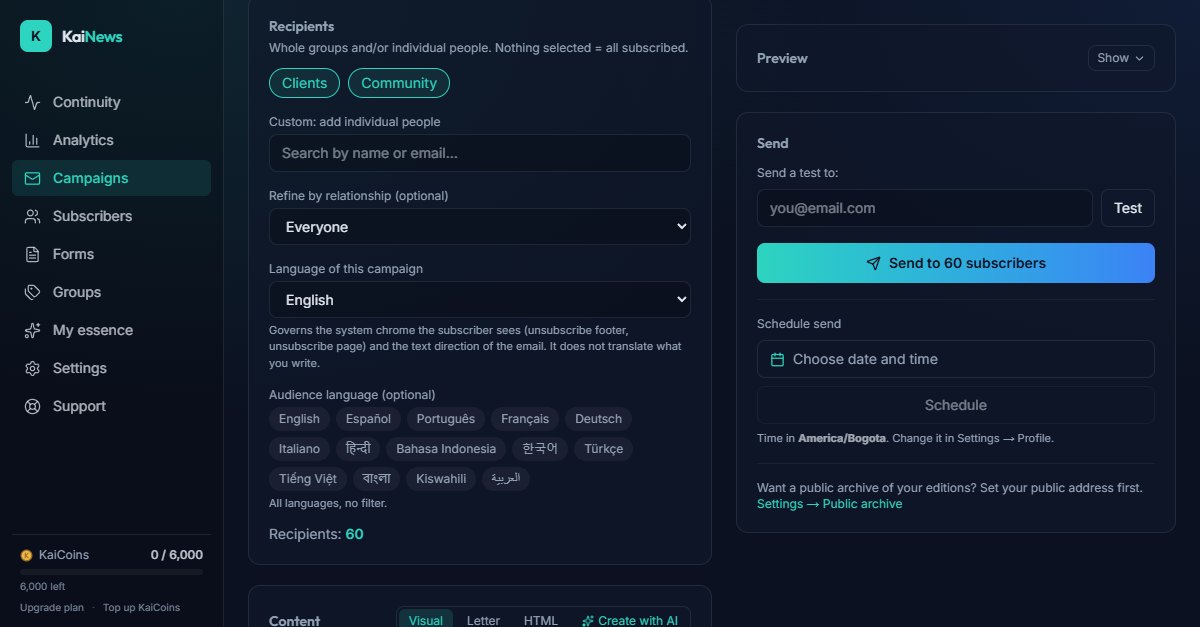
That's when I decided to switch for good and do something different, and that's where Kai News came from (take it with the bias of the person who built it). Its free plan goes up to five hundred contacts, every email carries its link to unsubscribe or to pause emails for thirty days, and when you send, you choose who you're writing to, including the people who haven't opened anything in three months. But what I was after wasn't sending, because even Gmail does that, but something that would warn me when I'd been quiet for too long and suggest what to write about.
There's a question I can't answer. Is there a number past which writing to your people from your own inbox stops being personal and becomes a mass mailing? I suspect it depends more on how many of them remember you than on how many there are, but I have no way of measuring it. Where do you write to your people from today, and when was the last time?
See you next time. Mauro Z.